



This guide is for internationals who have just registered in the Netherlands, or are about to, and need to deal with Dutch government and healthcare organisations online. By the end you will know what DigiD is used for, how to apply once you have a BSN, which login method to choose, and why the MijnOverheid message box matters for the letters you would otherwise miss.
- What DigiD is and where you will use it
- Start with your BSN
- Applying for DigiD and activating it
- DigiD app, SMS or password: which to choose
- MijnOverheid and the letters you might miss
- FAQ
What DigiD is and where you will use it
DigiD is your digital identity for Dutch public services. According to the official DigiD explanation, it lets you identify yourself online with the government, educational institutes, healthcare institutions and your pension fund. It is a service from Logius, which is responsible for its availability, security and continuity.
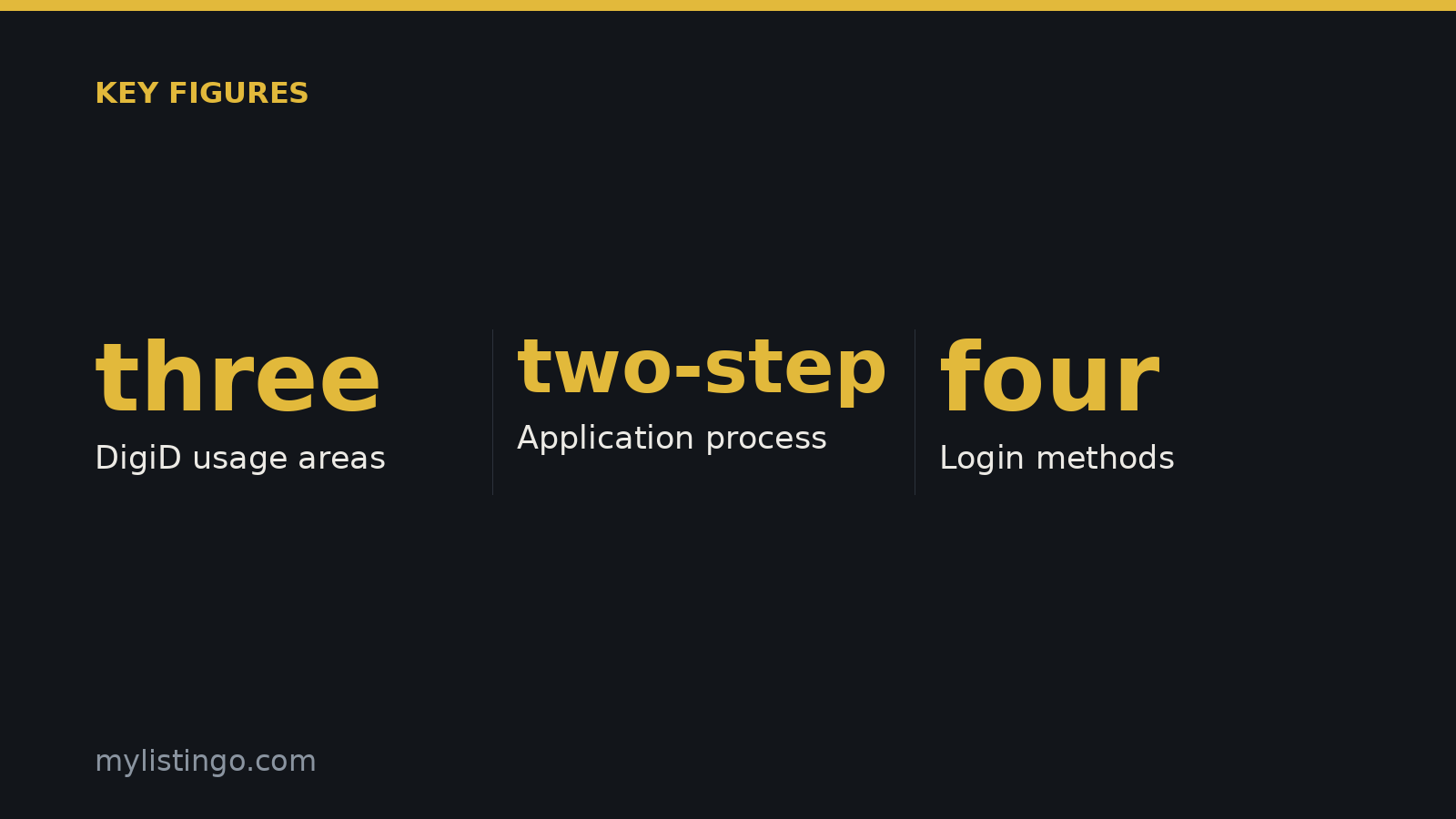
DigiD only works with organisations that are legally allowed to use citizen service numbers. In practice, newcomers mostly need it in three areas:
- Taxes and benefits. The official page names your tax return and rent surcharge as examples of matters you are increasingly expected to arrange online.
- Healthcare. Health insurers and healthcare institutions use DigiD. Health information counts as particularly privacy-sensitive, which means extra login requirements (covered below).
- Your municipality. Ministries and municipalities are listed among the organisations where you log in with DigiD.
Pension funds also appear on the official list, so you will probably use DigiD there too once you start working.
Start with your BSN
DigiD is tied to your citizen service number (BSN), so you cannot apply until you have one. Most newcomers receive their BSN when they register with their municipality. The municipality decides how and when that happens, so check its website for the appointment process and the documents it wants to see.
If you live abroad, or on Bonaire, Sint Eustatius or Saba, the official page confirms that you can still apply for DigiD as long as you have a BSN. If you already had a DigiD and then move from the European Netherlands across the border, you can keep using it.
Applying for DigiD and activating it
Apply through the DigiD website, which has an English version. The site has a dedicated FAQ entry, “How do I apply for a DigiD?”, and you should follow those steps rather than any third-party summary, because the process is run entirely by DigiD.
Applying is a two-step process. After you apply, you receive an activation code, and you enter it on the “Code received” page of the DigiD site. That same page takes recovery codes, email codes and authorisation codes, so keep it bookmarked. The official pages we used do not give a fee or a processing time, so check what the application screen tells you when you apply.
Once your account is active, log in to My DigiD and check your details. DigiD advises checking regularly that your personal data is up to date and that you have activated the latest login methods. The more complete your DigiD is, the more you can arrange with it online.
DigiD app, SMS or password: which to choose
DigiD offers four ways to identify yourself:
- DigiD app. DigiD calls this the easiest way to log in securely.
- SMS verification. You log in with your username and password plus a code sent by text message.
- Username and password. According to DigiD this is sometimes enough, but more and more organisations require you to use your phone to log in.
- Identity document. For access to particularly privacy-sensitive data.
For most newcomers the app is the practical choice. It is the method DigiD recommends, and it meets the phone requirement that more and more organisations now have. SMS is a reasonable backup if you cannot use the app, for example while waiting for a Dutch phone number or a new handset. Setting up more than one method means you are less likely to get locked out.
The ID check for health data
Health data needs more than a normal login. To view or change particularly privacy-sensitive data online, DigiD requires an annual ID check of your passport, driving licence or identity card, which you add to the DigiD app. If a health insurer or healthcare portal turns down your login, a missing or expired ID check is a likely cause. DigiD also has an FAQ entry on why activating an ID card or driving licence can fail, which is worth reading if you hit an error.
Watch out for fake messages
DigiD has a FAQ entry called “How do I recognise a fake email or text message?” Read it before your first tax season. When an email or text asks you to log in, go to the DigiD website yourself rather than clicking the link in the message.
MijnOverheid and the letters you might miss
MijnOverheid is the Dutch government’s personal online environment, and you log in to it with DigiD. Its main feature for newcomers is the message box (Berichtenbox), where participating government organisations can send you official post digitally.
This matters because Dutch government letters often come with deadlines, and a letter sent to an old address or lost in a shared mailbox can be easy to miss. Once your post comes digitally, the message box becomes the place you need to check.
The DigiD pages used for this guide do not explain how MijnOverheid works, which organisations use the message box, or whether a letter also arrives on paper. MijnOverheid and each sending organisation decide those things. After your DigiD is active, log in at mijn.overheid.nl, check which organisations are connected, and look at the notification settings so you know when a new message arrives.
FAQ
Can I apply for DigiD before I have a BSN?
No. DigiD is linked to your citizen service number and only works with organisations allowed to use it. Get your BSN first, usually by registering with your municipality, and then apply on the DigiD website.
Is SMS verification enough, or do I need the app?
SMS verification is a valid login method, and some services accept even a username and password. DigiD recommends the app as the easiest secure option, and you add the annual ID check through the app when you need access to privacy-sensitive data such as health information. Many people set up both, with the app as the main method and SMS as a backup.
Can someone help me with my tax return without using my DigiD?
Yes, through DigiD Authorisation. The person helping you logs in with their own DigiD and only sees the data you have given them permission to access. You should never share your own login details.
I am moving abroad. Will my DigiD still work?
According to DigiD, if you already had a DigiD and move from the European Netherlands across the border, you can keep using it. People who live abroad or in the Caribbean Netherlands and have a BSN can also apply for one.
Official sources: digid.nl · digid.nl
Last verified: 15 October 2026 against the official pages linked above. Rules and fees change; the official page always wins. General information, not legal or tax advice.
Sources
- digid.nl: Home English | DigiD, accessed 15 October 2026
- digid.nl: What is DigiD? | DigiD, accessed 15 October 2026
The Netherlands, for internationals
One email a week: the week's news for internationals in the Netherlands, new practical guides and what changed in the cities. No spam, unsubscribe any time.