


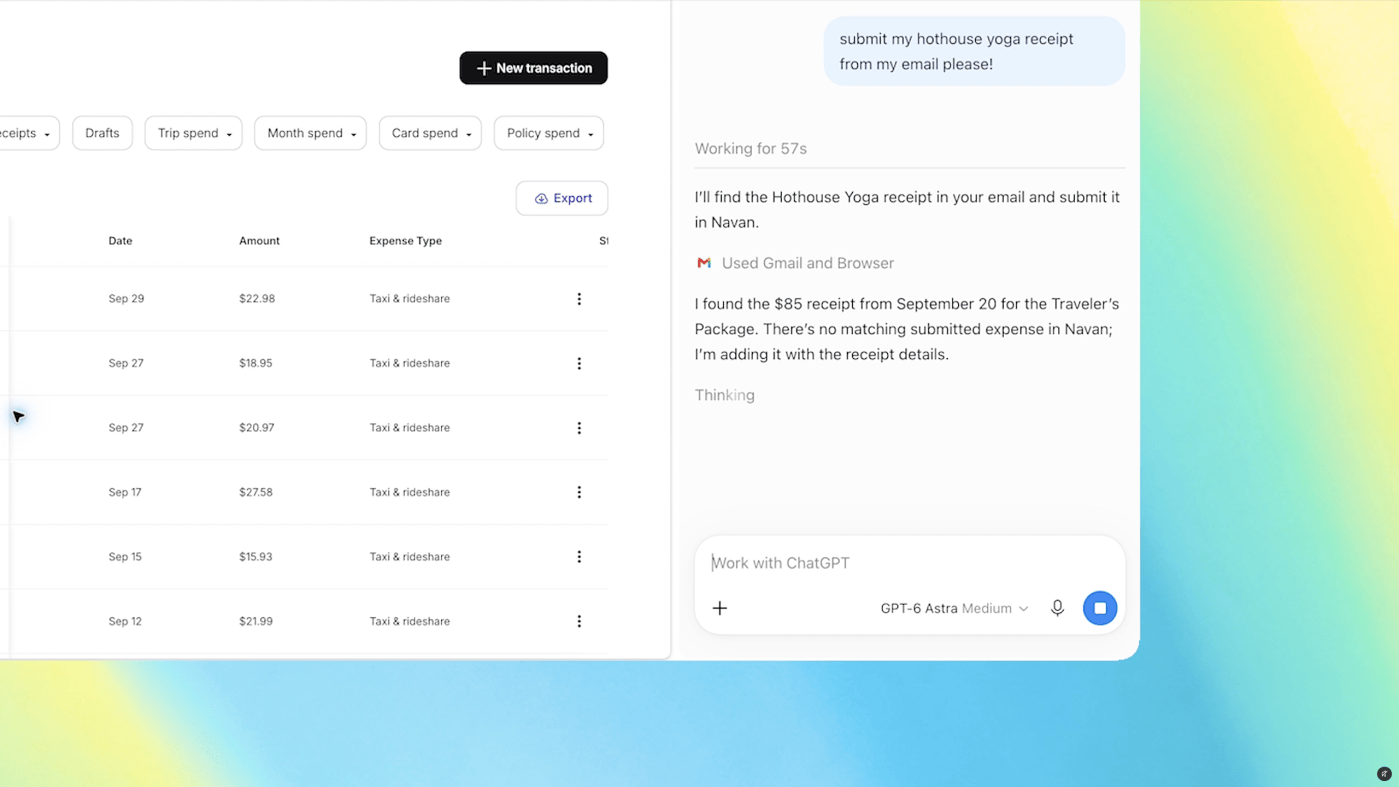
OpenAI’s ChatGPT can now read the tabs you already have open in Chrome. The company shipped the upgrade to its Chrome extension this week, and it changes what the assistant can see.
Once the extension is installed, ChatGPT can pull details from your open tabs when you tag Chrome inside ChatGPT’s web or desktop app. OpenAI posted a demo video of someone asking ChatGPT to compare three tabs of sofas they were considering.
Forms, spreadsheets, and calendar entries
OpenAI also published sample prompts that show the intended workflow. One asks ChatGPT to fill out a registration form using details from an event brief, then stop before submitting. Another asks it to copy vendors from several tabs into a comparison sheet with pricing, key features, and source links.
A third prompt asks ChatGPT to review open tabs covering contractor services, compare them, and draft an email to the best fit. A fourth has the assistant fill out a dentist’s form and add the appointment to both a work and personal calendar.
The sidebar gets the full assistant
ChatGPT in the sidebar has also been updated. It now runs what OpenAI calls “the full power of ChatGPT,” including your conversation history from Chat and Work, without leaving the page you are reading.
The bigger change is control. ChatGPT Work can now act on your Chrome tabs to send messages, fill in forms, and download files. That is close to Google’s Gemini-powered “auto browse” feature, which performs similar tasks inside Chrome. The extension can also organize and group your open tabs.
What this actually costs you
Tab access is a broad permission. A tab can hold a signed-in bank page, a medical portal, or a half-finished job application. An assistant that reads every tab sees all of it, and users rarely audit which pages are open when they ask a question.
The Verge notes that OpenAI’s standalone ChatGPT Atlas browser is gone. Pushing the same abilities into Chrome reaches far more people, because Chrome already owns the majority of the desktop browser market. It also means the assistant inherits Chrome’s permission model rather than OpenAI’s own.
OpenAI has not published details on how long tab content is retained or whether it feeds model training. Until it does, the safe assumption is that anything visible in an open tab can be sent to a server. Users who install the extension should treat every open window as part of the conversation.
Source: The Verge — ChatGPT can peek at your Chrome tabs now
Related: Firefox’s Smart Window now cites live web info and sorts your tabs and Nvidia’s hardware sandbox for rogue AI agents.
The Netherlands, for internationals
One email a week: the week's news for internationals in the Netherlands, new practical guides and what changed in the cities. No spam, unsubscribe any time.